Student Timetable iOS Configuration Instructions
iOS Configuration>
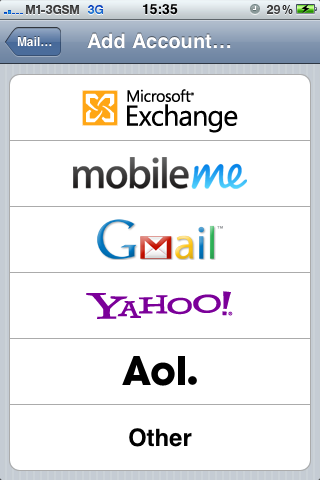
Go to Settings > Mail, Contacts, Calendars > Add Account
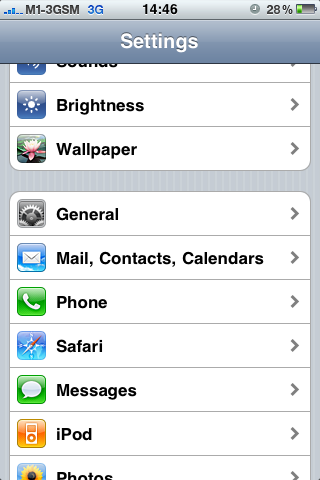
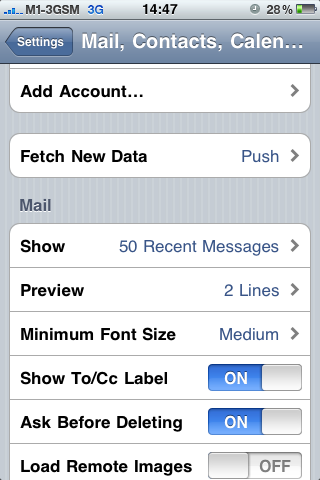
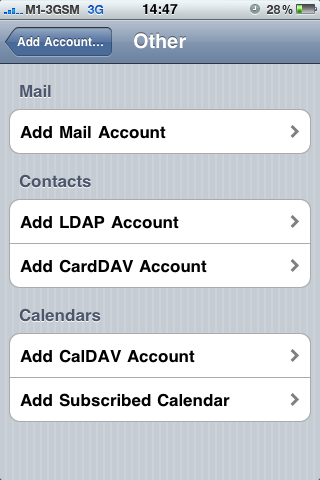
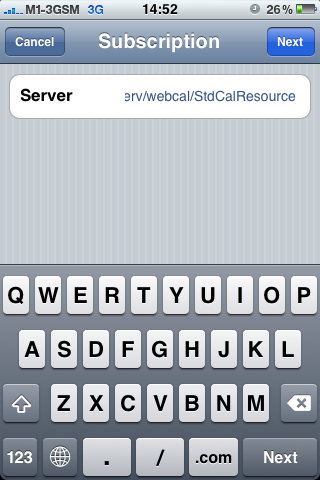
Select on Other > Add Subscribed Calendar
Click Next
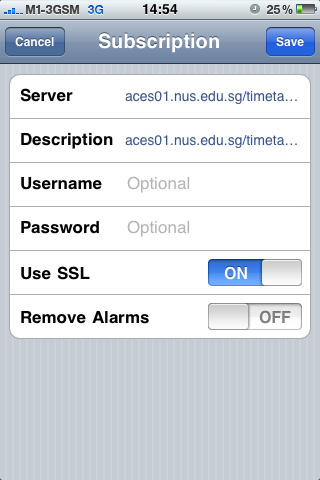
There’ll be a prompt requesting to enter username and password.
Enter the NUSNET ID (eg. U0000000 or A0000000) and Password and click on Save
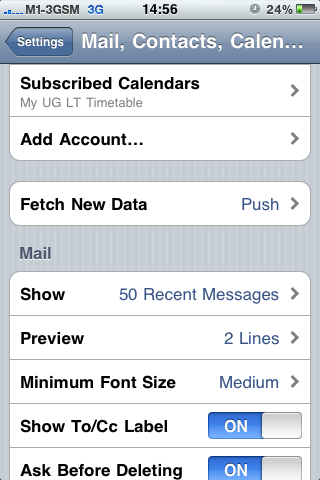
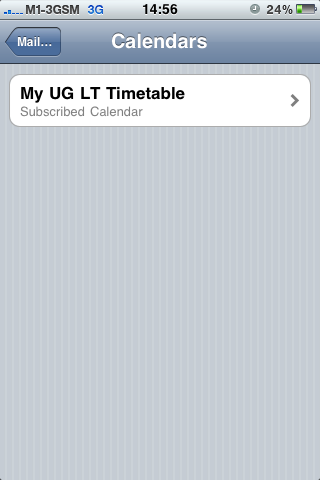
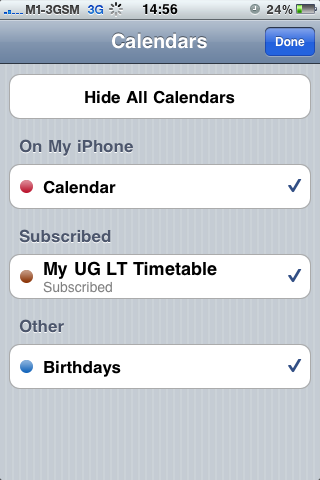
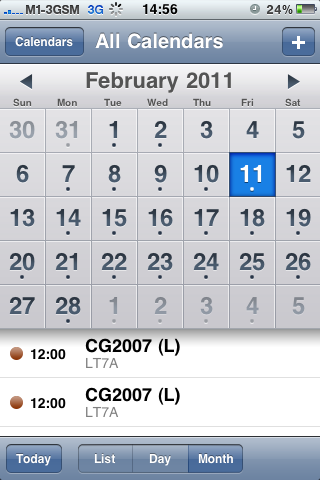
Activate the Calendar on your iPhone by going to Calendar and click on Calendars on the top left hand corner and activate the Subscribed item and touch Done. The content will be then loaded to your Calendar.
Others
If you are not an iOS user, you may also download the calendar in iCal format from the portal by providing your NUSNET ID (eg. U0000000 or A0000000) and Password.
https://myaces.nus.edu.sg/timetableserv
You may import the file into your calendar provided that your device supports iCal format.